instrument panel TESLA MODEL S 2018 User Guide
[x] Cancel search | Manufacturer: TESLA, Model Year: 2018, Model line: MODEL S, Model: TESLA MODEL S 2018Pages: 195, PDF Size: 5.51 MB
Page 57 of 195

High Beam HeadlightsPush the left-hand steering column lever away
from you. To cancel, pull the lever toward you.
The high beam headlights can automatically
switch to low beam when there is light
detected in front of Model S (for example,
from an oncoming vehicle). To turn this
feature on, touch Controls > Auto High Beam .
Note: Your chosen setting is retained until you
manually change it. It can also be saved in
your driver
profile.
In situations where high beams are turned offbecause AUTO HIGH BEAM is turned on and
light is detected in front of Model S, you can temporarily turn on high beams by pulling thelever all the way toward you.
The following indicator lights are visible on the
instrument panel when high beams are turned
on:
High beam headlights are on.
Illuminates when high beams are on but the Auto High Beam setting is
turned
off or if the Auto High Beam
setting is turned on but is
termporarily unavaible.
High beams are currently turned on,
and Auto High Beam is ready to turn
off the high beams if light is
detected in front of Model S.
High beams are temporarily turnedoff because Auto High Beam is on
and is detecting light in front of
Model S. When light is no longer
detected, the high beams will
automatically turn back on.
To flash the headlight high beams, pull the
lever fully toward you and release.
Warning: Auto High Beam is an aid only
and is subject to limitations. It is the
driver
Page 58 of 195

The turn signals stop operating when canceledby the steering wheel, or when you return the
lever to the central position.
The corresponding turn signal
indicator lights up on the instrument
panel when a turn signal is
operating. You also hear a clicking
sound.Warning: If you have purchased the
optional Enhanced Autopilot or Full Self-
Driving Capability packages and
Traffic-
Aware Cruise Control is active, engaging
a turn signal can cause Model S to accelerate when using
Traffic-AwareCruise Control in specific situations (see
Overtake Acceleration on page 79).
Warning: If you have purchased the
optional Enhanced Autopilot or Full Self-
Driving Capability packages and
Autosteer is active, engaging a turn signal
may cause Model S to change lanes (see
Auto Lane Change on page 85).
Lane Change Flash
To indicate a lane change, quickly press the
lever up or down against the spring pressure,
then release. The corresponding turn signal
flashes three times.
Hazard Warning Flashers
To turn on the hazard warning
flashers, press
the button located on the side of the
touchscreen closest to the steering wheel. All
turn signals
flash. Press again to turn off.
Note: Hazard warning flashers operate even
without a Model S key nearby.
Lights
Driving57
Page 61 of 195
Braking SystemsWarning: Properly functioning braking
systems are critical to ensure safety. If you experience a problem with the brake
pedal, brake caliper, or any component of
a Model S braking system, contact Tesla
immediately.
Model S has an anti-lock braking system
(ABS) that prevents the wheels from locking
when you apply maximum brake pressure. This
improves steering control during heavy
braking in most road conditions.
During emergency braking conditions, the
ABS constantly monitors the speed of each
wheel and varies the brake pressure according
to the grip available.
The alteration of brake pressure can be felt as
a pulsing sensation through the brake pedal.
This demonstrates that the ABS is operating
and is not a cause for concern. Keep
firm and
steady pressure on the brake pedal while
experiencing the pulsing.
The ABS indicator flashes briefly on
the instrument panel when you firststart Model S. If this indicator lights
up at any other time, an ABS fault
has occurred and the ABS is not
operating. Contact Tesla. The braking
system remains fully operational and
is not
affected by an ABS failure.
However, braking distances may
increase.
If the instrument panel displays this
indicator at any time other than
displaying
briefly when you first start
Model S, a brake system fault is
detected or the brake
fluid level is
low. Contact Tesla immediately.
Emergency Braking
In an emergency, fully press the brake pedal and maintain
firm pressure, even on low
traction surfaces. The ABS varies the braking
pressure to each wheel according to the
amount of traction available. This prevents
wheels from locking and ensures that you stop
as safely as possible.
Warning: Do not pump the brake pedal.
Doing so interrupts operation of the ABS
and can increase braking distance.Warning: Always maintain a safe distance
from the vehicle in front of you and beaware of hazardous driving conditions.
While the ABS can improve stopping
distance, it cannot overcome the laws of physics. It also does not prevent the
danger of hydroplaning (where a layer of
water prevents direct contact between the tires and the road).
Automatic Emergency Braking automatically
applies full braking in situations where a
collision is considered imminent (see Automatic Emergency Braking on page 94).
Warning: Automatic Emergency Braking
is not designed to prevent a collision. At best, it can minimize the impact of a
frontal collision by attempting to reduce
your driving speed. Depending on Automatic Emergency Braking to avoid a
collision can result in serious injury or death.
Brake Wear
Model S brake pads are equipped with wear
indicators. A wear indicator is a thin metal
strip attached to the brake pad that squeals as
it rubs against the rotor when the pad wears
down. This squealing sound indicates that the
brake pads have reached the end of their service life and require replacement. To
replace the brake pads, contact Tesla Service.
Brakes must be periodically inspected visually by removing the tire and wheel. For detailed
specifications and service limits for rotors and
brake pads, see Brakes on page 170.
Warning:
Neglecting to replace worn
brake pads damages the braking system
and can result in a braking hazard.
Regenerative Braking
Whenever Model S is moving and your foot is
off the accelerator, regenerative braking slows
down Model S and feeds any surplus energy
back to the Battery.
By anticipating your stops and reducing or
removing pressure from the accelerator pedal
to slow down, you can take advantage of regenerative braking to increase driving range.
Of course, this is no substitute for regular
braking when needed for safety.
Note: If regenerative braking is aggressively
slowing Model S (such as when your foot is
completely
off the accelerator pedal at
highway speeds), the brake lights turn on to
alert others that you are slowing down.
Brakes
60Model S Owner
Page 62 of 195

Warning: In snowy or icy conditions
Model S may experience traction loss
during regenerative braking, particularly
when in the Standard setting and/or not
using winter tires. Tesla recommends
using the Low setting (see To Set the
Regenerative Braking Level on page 61)
in snowy or icy conditions to help maintain vehicle stability.
The Energy app displays real-time feedbackon the amount of energy being gained by
regenerative braking. You can also display the
power meter on either side of the instrument
panel by choosing Energy using the scroll
button on the steering wheel (see Steering
Wheel on page 41).
The amount of energy fed back to the Battery using regenerative braking can depend on the
current state of the Battery and the charge
level setting that you are using. For example, regenerative braking may be limited if theBattery is already fully charged or if the
ambient temperature is too cold.
Note: If regenerative braking is limited, a
dashed yellow line displays on the power
meter.
To Set the Regenerative Braking Level
You can use the touchscreen to change the
level of regenerative braking:
1. Touch Controls > Driving > Regenerative
Braking .
2. Choose from two levels:
Page 64 of 195

How It WorksThe traction control system constantly
monitors the speed of the front and rear
wheels. If Model S experiences a loss of
traction, the system minimizes wheel spin by
controlling brake pressure and motor power.
By default, the traction control system is on.
Under normal conditions, it should remain on
to ensure maximum safety.This indicator flashes on the
instrument panel whenever the
traction control system is actively
controlling brake pressure and motor
power to minimize wheel spin. If the
indicator stays on, a fault is detected with the traction control system.
Contact Tesla Service.Warning: If the above indicator remains
illuminated in situations in which you have
not enabled Slip Start (described next), the traction control system may not be
operating correctly. Contact Tesla Service immediately.Warning: Traction control cannot prevent
collisions caused by driving dangerously
or turning too sharply at high speeds.
Allowing Wheel Slip
To allow the wheels to spin at a limited speed,
you can enable Slip Start. Slip Start can be
enabled only when Model S is moving
48 km/h or slower. Slip Start automatically
disables when the speed exceeds 80 km/h.
Under normal conditions, Slip Start should not
be enabled. Enable it only in circumstances where you deliberately want the wheels tospin, such as:
Page 65 of 195
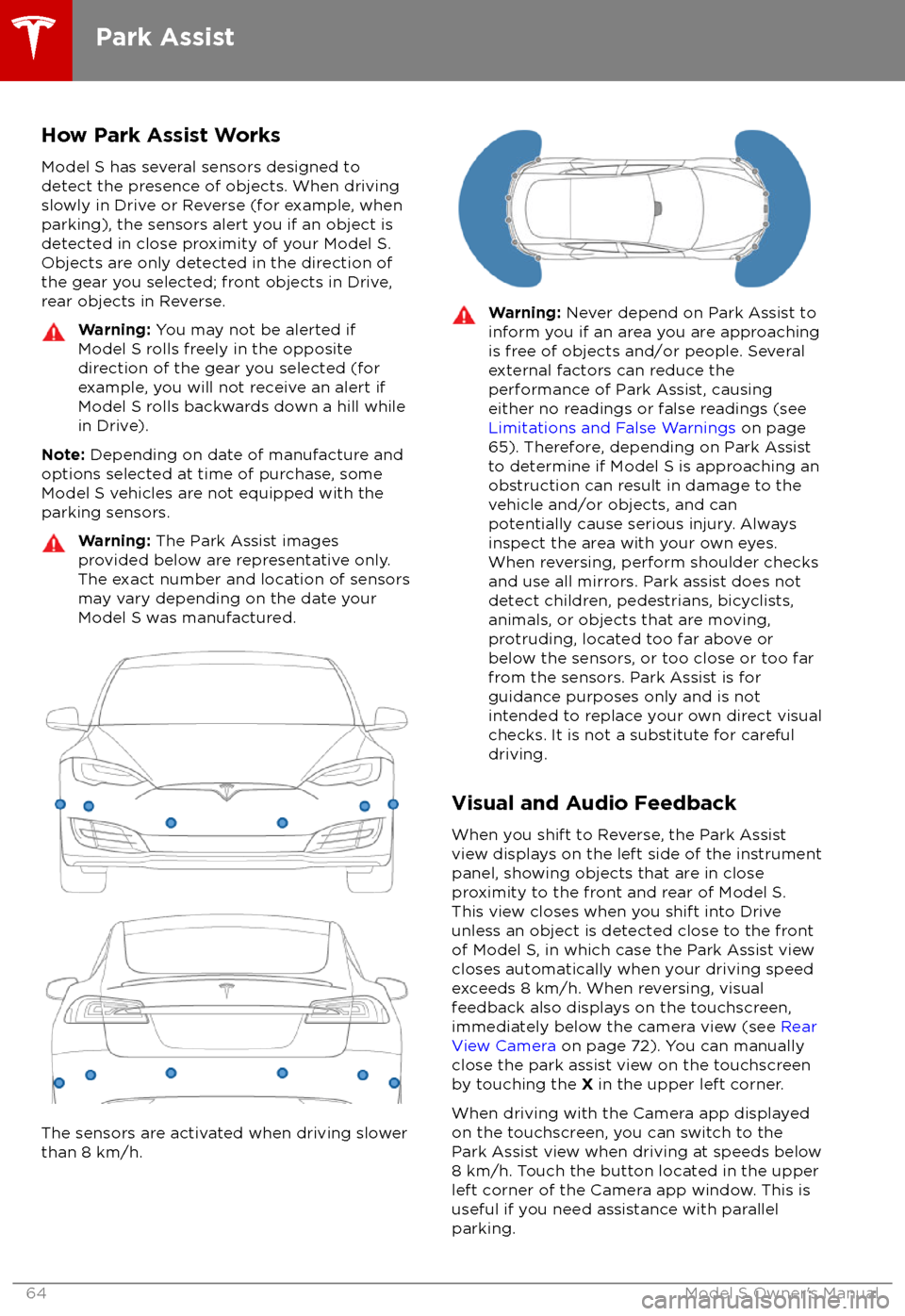
How Park Assist WorksModel S has several sensors designed todetect the presence of objects. When drivingslowly in Drive or Reverse (for example, when
parking), the sensors alert you if an object is detected in close proximity of your Model S.
Objects are only detected in the direction of
the gear you selected; front objects in Drive,
rear objects in Reverse.Warning: You may not be alerted if
Model S rolls freely in the opposite
direction of the gear you selected (for
example, you will not receive an alert if
Model S rolls backwards down a hill while
in Drive).
Note: Depending on date of manufacture and
options selected at time of purchase, some Model S vehicles are not equipped with theparking sensors.
Warning: The Park Assist images
provided below are representative only.
The exact number and location of sensors may vary depending on the date your
Model S was manufactured.
The sensors are activated when driving slower
than 8 km/h.
Warning: Never depend on Park Assist to
inform you if an area you are approaching is free of objects and/or people. Several
external factors can reduce the
performance of Park Assist, causing
either no readings or false readings (see
Limitations and False Warnings on page
65). Therefore, depending on Park Assist
to determine if Model S is approaching an obstruction can result in damage to the
vehicle and/or objects, and can
potentially cause serious injury. Always
inspect the area with your own eyes.
When reversing, perform shoulder checks and use all mirrors. Park assist does not
detect children, pedestrians, bicyclists,
animals, or objects that are moving, protruding, located too far above or
below the sensors, or too close or too far
from the sensors. Park Assist is for
guidance purposes only and is not intended to replace your own direct visual
checks. It is not a substitute for careful
driving.
Visual and Audio Feedback
When you shift to Reverse, the Park Assist
view displays on the left side of the instrument panel, showing objects that are in close
proximity to the front and rear of Model S.
This view closes when you shift into Drive
unless an object is detected close to the front
of Model S, in which case the Park Assist view
closes automatically when your driving speed
exceeds 8 km/h. When reversing, visual
feedback also displays on the touchscreen,
immediately below the camera view (see Rear
View Camera on page 72). You can manually
close the park assist view on the touchscreen
by touching the X in the upper left corner.
When driving with the Camera app displayed on the touchscreen, you can switch to the
Park Assist view when driving at speeds below
8 km/h. Touch the button located in the upper
left corner of the Camera app window. This is
useful if you need assistance with parallel parking.
Park Assist
64Model S Owner
Page 66 of 195
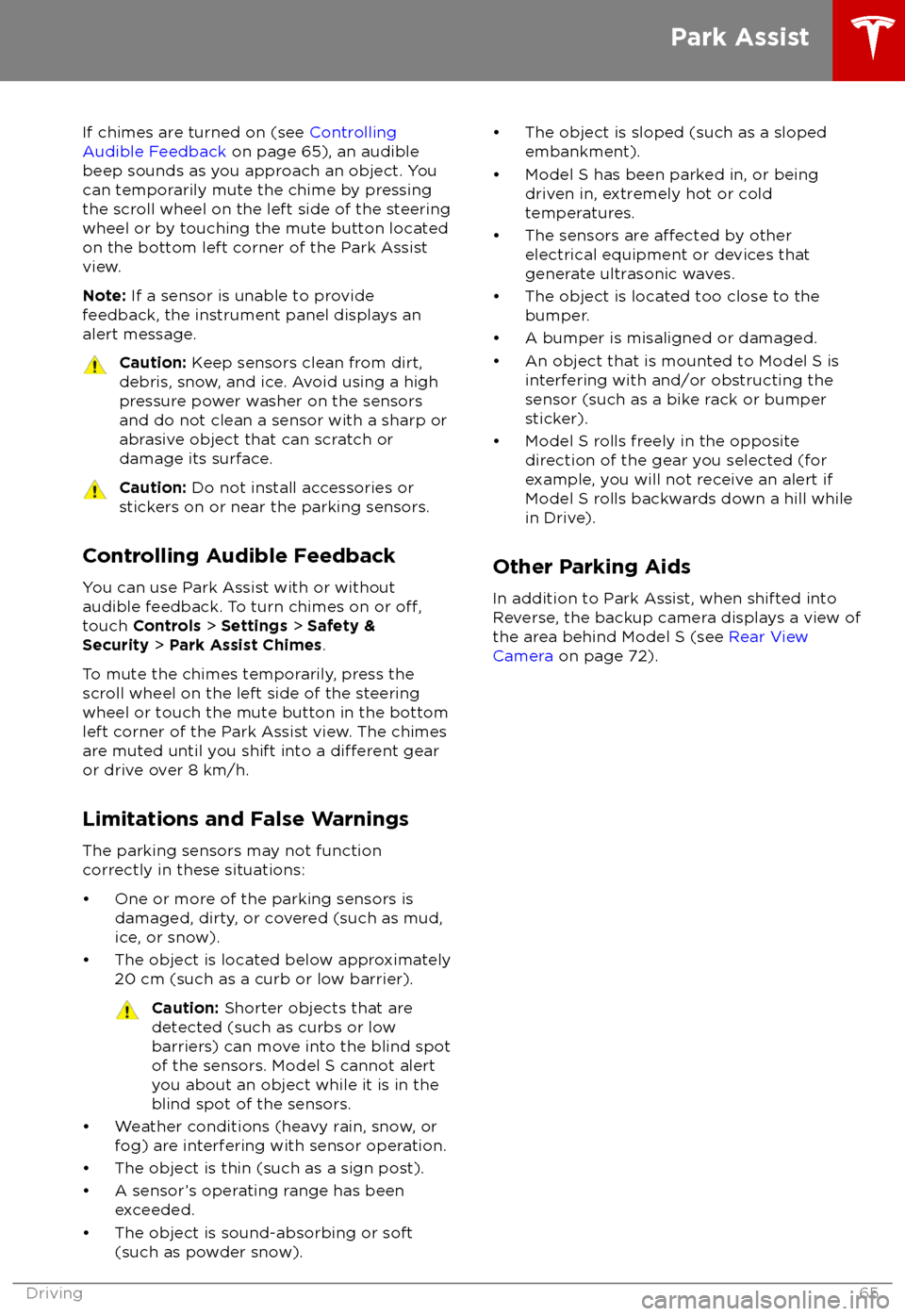
If chimes are turned on (see Controlling
Audible Feedback on page 65), an audible
beep sounds as you approach an object. You
can temporarily mute the chime by pressing
the scroll wheel on the left side of the steering
wheel or by touching the mute button located
on the bottom left corner of the Park Assist
view.
Note: If a sensor is unable to provide
feedback, the instrument panel displays an
alert message.Caution: Keep sensors clean from dirt,
debris, snow, and ice. Avoid using a high
pressure power washer on the sensors
and do not clean a sensor with a sharp or abrasive object that can scratch or
damage its surface.Caution: Do not install accessories or
stickers on or near the parking sensors.
Controlling Audible Feedback
You can use Park Assist with or without
audible feedback. To turn chimes on or
off,touch Controls > Settings > Safety &
Security > Park Assist Chimes .
To mute the chimes temporarily, press the
scroll wheel on the left side of the steering wheel or touch the mute button in the bottom
left corner of the Park Assist view. The chimesare muted until you shift into a
different gear
or drive over 8 km/h.
Limitations and False Warnings
The parking sensors may not function correctly in these situations:
Page 67 of 195

When Model S is stopped, Vehicle Hold can
continue to apply the brakes even after you
remove your foot from the brake pedal. When
driving on a hill or on a
flat surface, brake as
you normally would. After coming to a
complete stop, simply press the brake pedal
again (until the instrument panel displays the
Vehicle Hold indicator light) to enable Vehicle
Hold. You can then release the brake pedal and remain stopped, even on a hill.
This indicator displays on the
instrument panel whenever Vehicle
Hold is actively braking Model S.
To disengage Vehicle Hold, press the
accelerator pedal or press and release the
brake pedal.
Note: Shifting into Neutral also disengages
Vehicle Hold.
Note: After actively braking Model S for
approximately ten minutes, Model S shifts into
Park and Vehicle Hold cancels. Model S also shifts into Park if it detects that the driver has
left the vehicle.
Vehicle Hold
66Model S Owner
Page 73 of 195
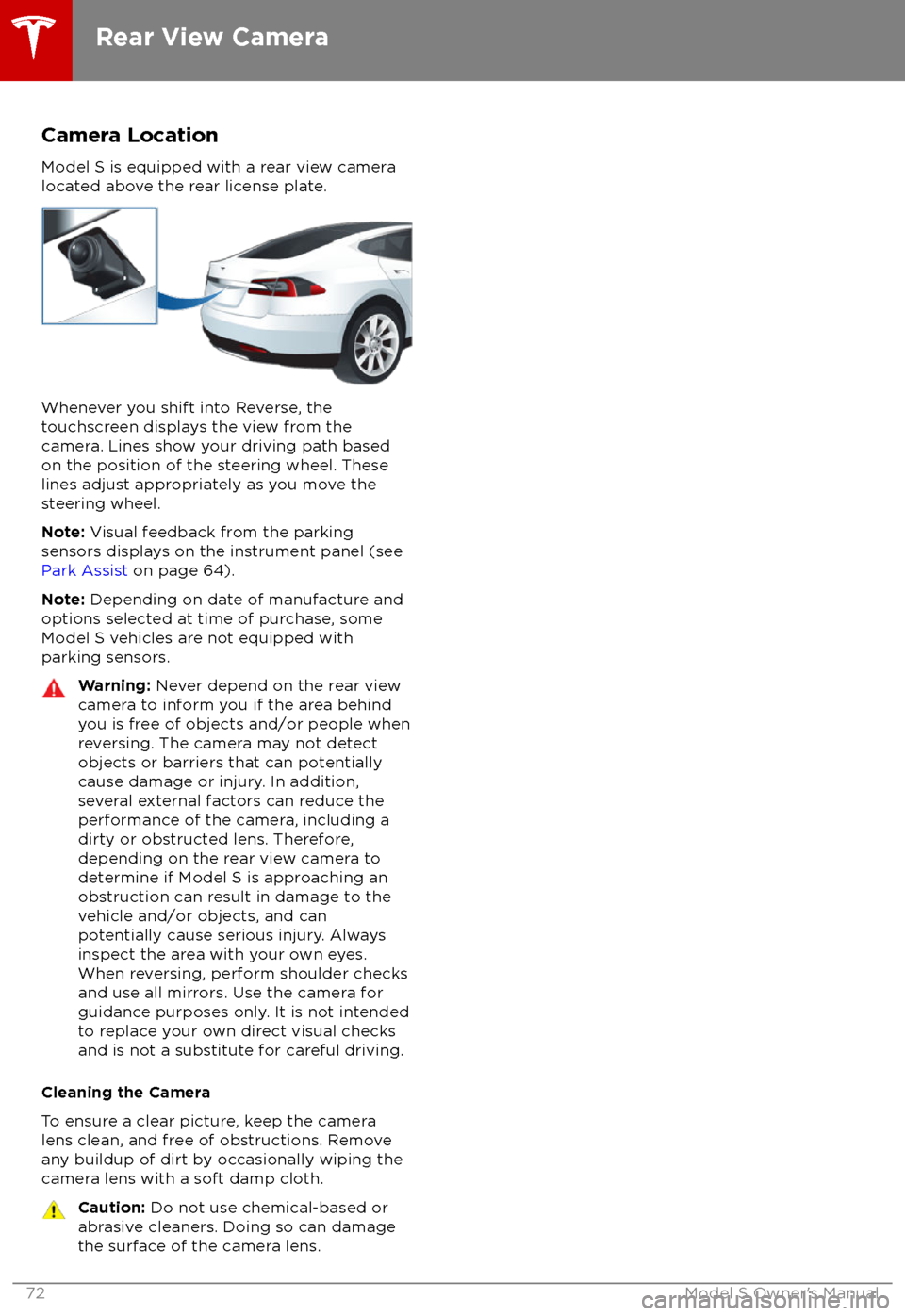
Camera Location
Model S is equipped with a rear view camera
located above the rear license plate.
Whenever you shift into Reverse, the
touchscreen displays the view from the
camera. Lines show your driving path based
on the position of the steering wheel. These
lines adjust appropriately as you move the
steering wheel.
Note: Visual feedback from the parking
sensors displays on the instrument panel (see
Park Assist on page 64).
Note: Depending on date of manufacture and
options selected at time of purchase, some Model S vehicles are not equipped with
parking sensors.
Warning: Never depend on the rear view
camera to inform you if the area behind
you is free of objects and/or people when
reversing. The camera may not detect
objects or barriers that can potentially
cause damage or injury. In addition,
several external factors can reduce the
performance of the camera, including a
dirty or obstructed lens. Therefore,
depending on the rear view camera to
determine if Model S is approaching an
obstruction can result in damage to the vehicle and/or objects, and can
potentially cause serious injury. Always
inspect the area with your own eyes.
When reversing, perform shoulder checks and use all mirrors. Use the camera forguidance purposes only. It is not intendedto replace your own direct visual checks
and is not a substitute for careful driving.
Cleaning the Camera
To ensure a clear picture, keep the camera
lens clean, and free of obstructions. Remove
any buildup of dirt by occasionally wiping the camera lens with a soft damp cloth.
Caution: Do not use chemical-based or
abrasive cleaners. Doing so can damage
the surface of the camera lens.
Rear View Camera
72Model S Owner
Page 78 of 195
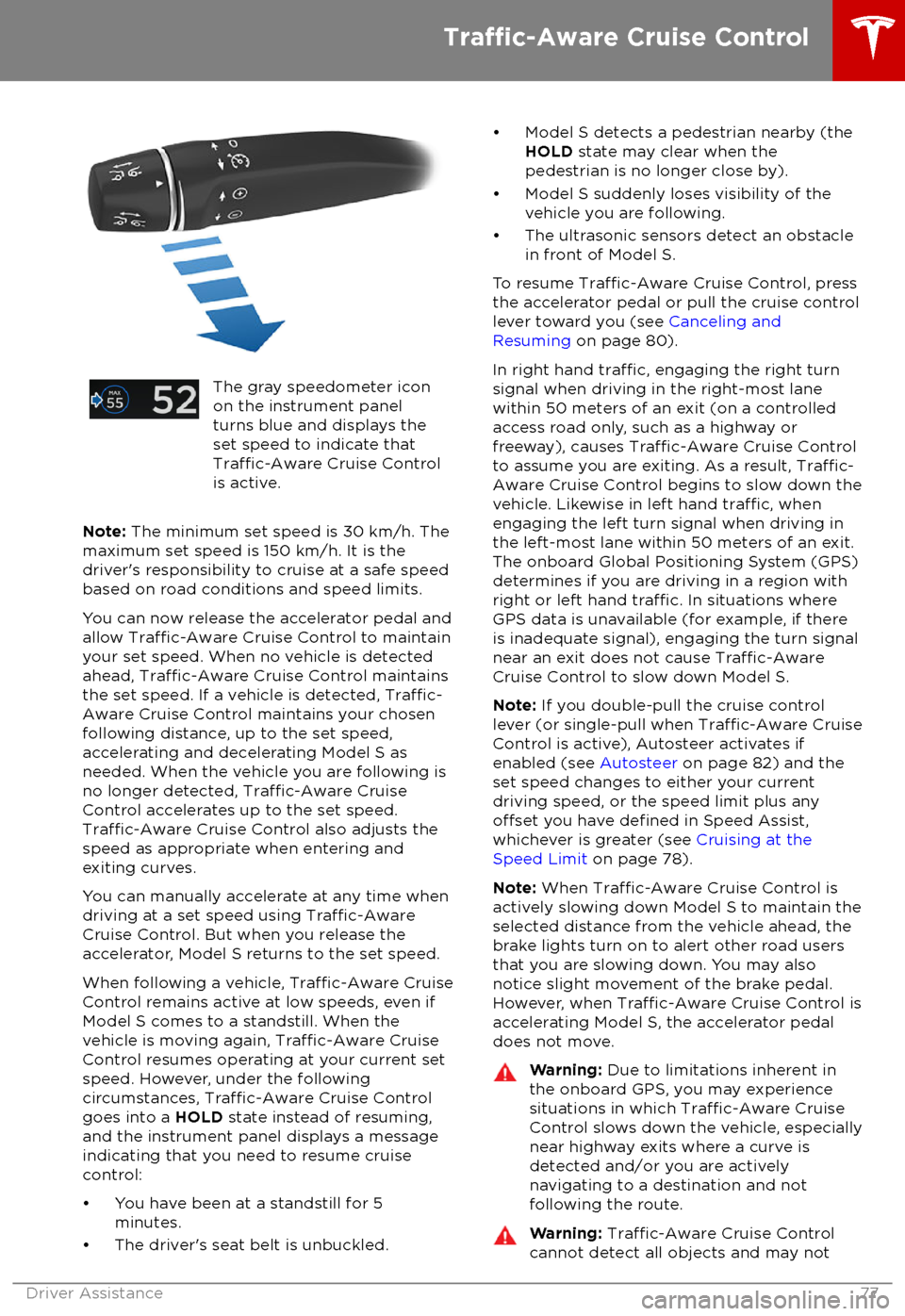
The gray speedometer icon
on the instrument panel
turns blue and displays the
set speed to indicate that
Traffic-Aware Cruise Control
is active.
Note: The minimum set speed is 30 km/h. The
maximum set speed is 150 km/h. It is the
driver